 IsoCity
Build roads and remove a misplaced tile.
Choose Road to build on land. To remove a placed road, choose Bulldoze and select that tile. Both actions can change your funds.
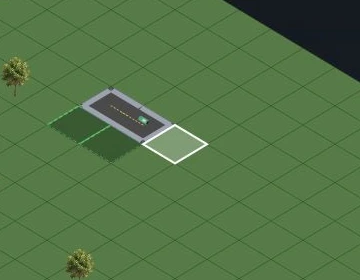
Choose Road
On desktop, Road is in the left Tools section. On a phone, open the bottom toolbar. Select Road, then choose empty land tiles that share an edge.
Check the result
The road should appear on the selected tile. Check the cost shown by the tool and your remaining funds before placing more. Water and occupied tiles may need a different action.
Switch to Bulldoze
Choose Bulldoze in Tools, then select the misplaced road tile. This removes that placed tile; it does not reset your whole city.
Return to a neutral tool
Choose Select when you finish to avoid removing another tile accidentally. Save your city after checking the result.
These steps cover ordinary surface roads on land. They do not describe subway, bridge or multi-tile building removal.
Scope: independent edition based on upstream b774dd7. Steps checked: 5 November 2026.
Try it in your city →